Your AI-Powered Spreadsheet Engine
Unlock the full power of spreadsheets in your app. Seamlessly build, analyze, and automate with AI-powered intelligence built right in.

Get Started in Minutes
Install, render, and ship — three steps to a production-ready spreadsheet in your app.
Install Package
One command to add a full spreadsheet to your project. That's it.
Install Package
One command to add a full spreadsheet to your project. That's it.
Drop In the Grid
Import the component and render it anywhere in your app.
Drop In the Grid
Import the component and render it anywhere in your app.
Load & Export Data
Load any file format and export it back with zero fidelity loss.
Load & Export Data
Load any file format and export it back with zero fidelity loss.
400+ Formulas with AI Formula Assistant
400+ Formulas with AI Formula Assistant
400+ functions including VLOOKUP, LAMBDA, and dynamic arrays. Ask the AI to write any formula in plain English.
400+ functions including VLOOKUP, LAMBDA, and dynamic arrays. Ask the AI to write any formula in plain English.


Canvas-Based Rendering
Canvas-Based Rendering
Built on canvas for fast, smooth scrolling — even with large datasets.
Built on canvas for fast, smooth scrolling — even with large datasets.
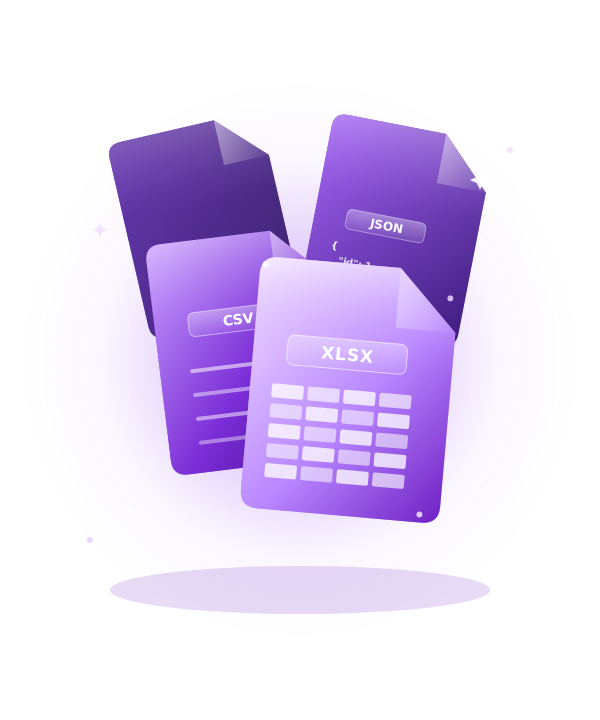
XLSX, CSV, JSON & HTML I/O
XLSX, CSV, JSON & HTML I/O
Read and write XLSX, CSV, JSON, and HTML files with zero fidelity loss. What goes in comes back out perfectly.
Read and write XLSX, CSV, JSON, and HTML files with zero fidelity loss. What goes in comes back out perfectly.
Everything You Need to Ship an AI Spreadsheet
From AI copilot to charts and pivots — everything you need to deliver a world-class spreadsheet experience.
Fits Your Entire Stack
Drop it into React, Vue, Angular, Svelte, or plain JS. Connect to any backend and import any file format.
Frequently Asked Questions
Have questions about WorksheetJs? Find answers to the most common questions about licensing, integration, and features.
How quickly can I add a spreadsheet to my app?
Three lines of code. Install the package, import the component, pass your data. Works with React, Vue, Angular, Svelte, and plain JS.
Will it stay fast with hundreds of thousands of rows?
Yes. Canvas-based rendering keeps scrolling and editing smooth even with very large datasets. Your UI stays responsive at all times.
Can I open and save Excel files?
Built-in. Read and write XLSX, CSV, JSON, and HTML entirely in the browser. Styles, formulas, and images all preserved. Zero fidelity loss.
Which formulas are available?
400+ Excel and Google Sheets functions — SUM, VLOOKUP, XLOOKUP, LAMBDA, dynamic arrays, financial, engineering, and more. The AI assistant can also write formulas for you.
What AI features are included?
15+ modules: chat copilot, formula assistant, data analyzer, smart fill, chart builder, pivot builder, automation engine, and more. Supports Claude, GPT, and Gemini.
What does the free plan include?
Full API access up to 1,000 rows, community support, and unlimited local dev. Paid plans add the AI copilot, charts, pivots, and priority support. 14-day free trial, no card required.
Is my data sent to any server?
No. Everything runs in the browser. Your data never leaves the device. The AI plugin uses your own API key and supports privacy mode for full in-memory operation.